DooDock, native on your Mac.
The same workspace as the web app, built natively for macOS. It looks like DooDock and behaves like a Mac app, down to the shortcuts.
Feels like DooDock. Works like a Mac.
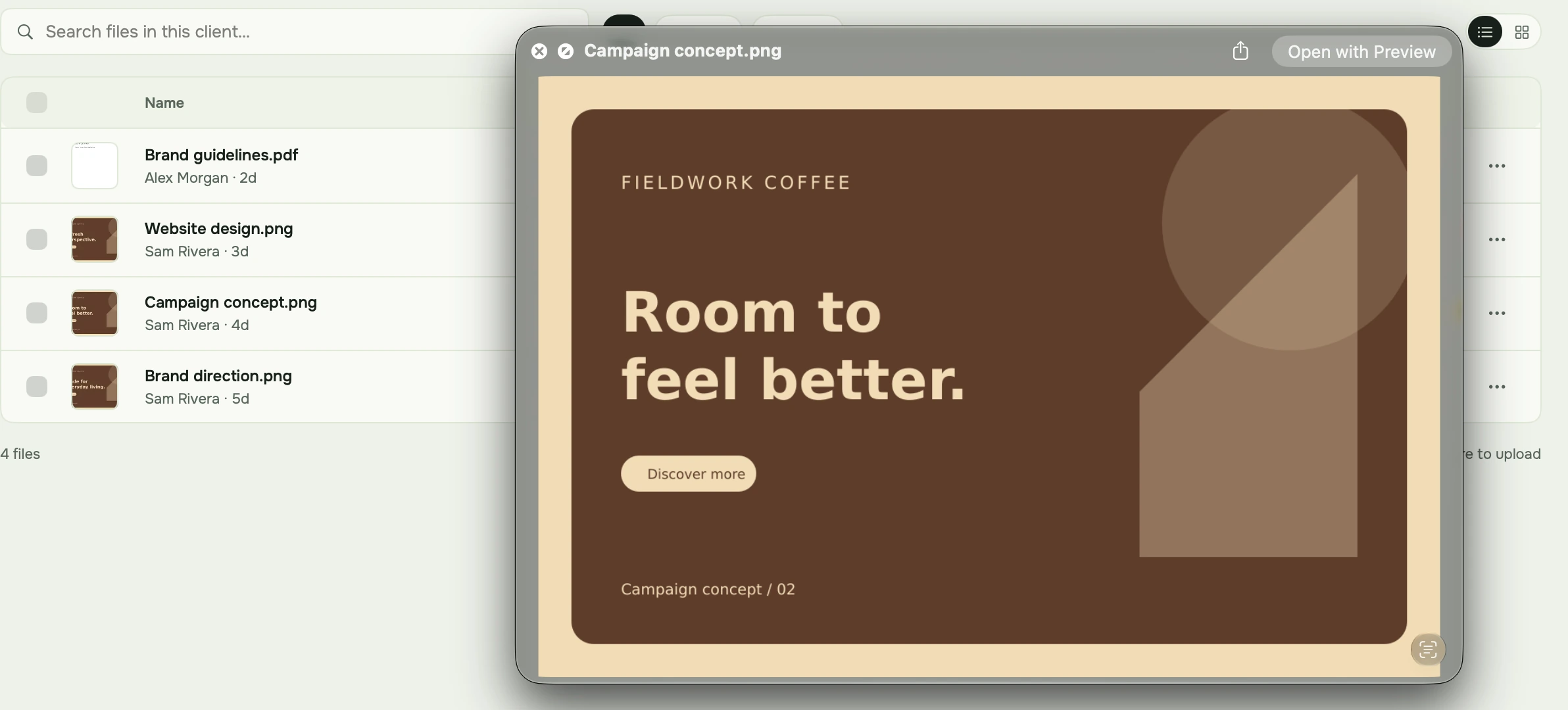
Quick Look
Click a file and it opens in Quick Look. Designs, PDFs, receipts, attachments and payslips, without downloading anything first.
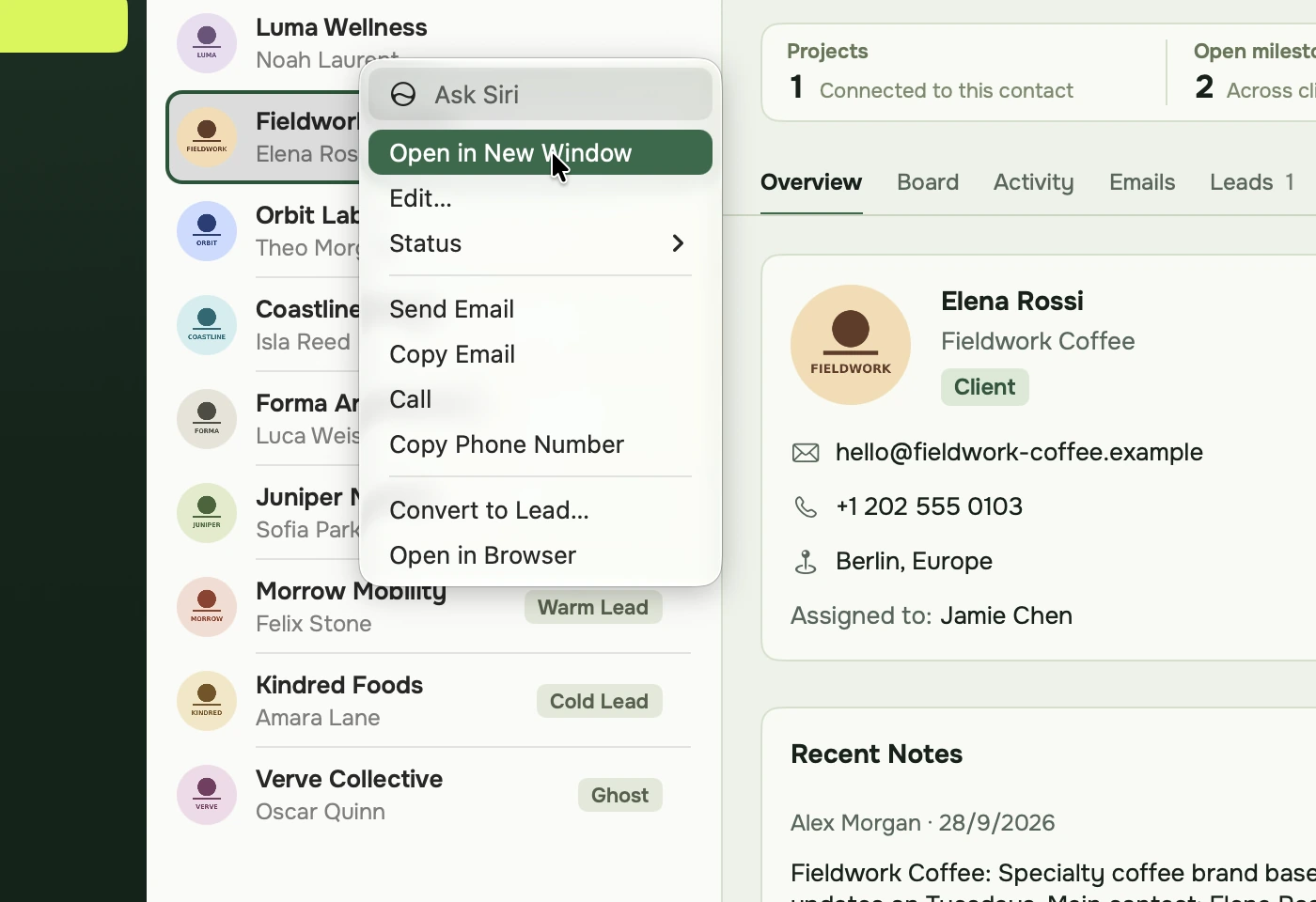
Right-click menus
Every row and card has one: open in a new window, change the status, email the client or convert to a lead.
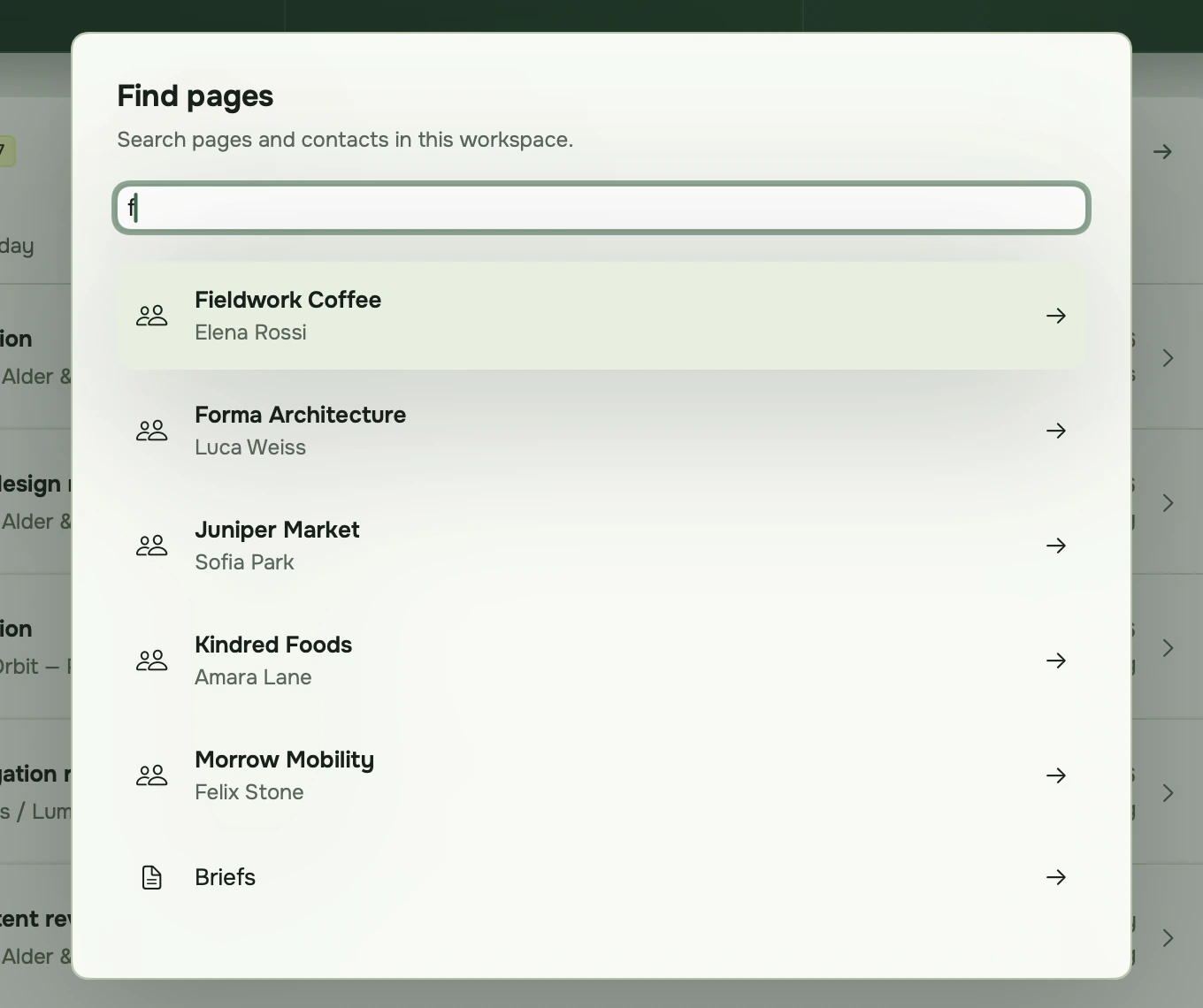
Find anything with ⌘K
Pages and clients in one search field, from anywhere in the app.
Spotlight
Your clients show up in macOS search, one keystroke away even when DooDock is closed.
Drag and drop
Drop files from Finder onto a client, a task or an expense. Drag them back out to Finder or Mail.
Windows
Open a client in its own window and keep it next to the board you are working on.
Notifications
A badge on the Dock icon, and banners for mentions, DMs and finished audits.
Print and PDF
Invoices open in Preview, print with ⌘P and save straight to Downloads.
Rich text
Bold, lists and links with the shortcuts your fingers already know.
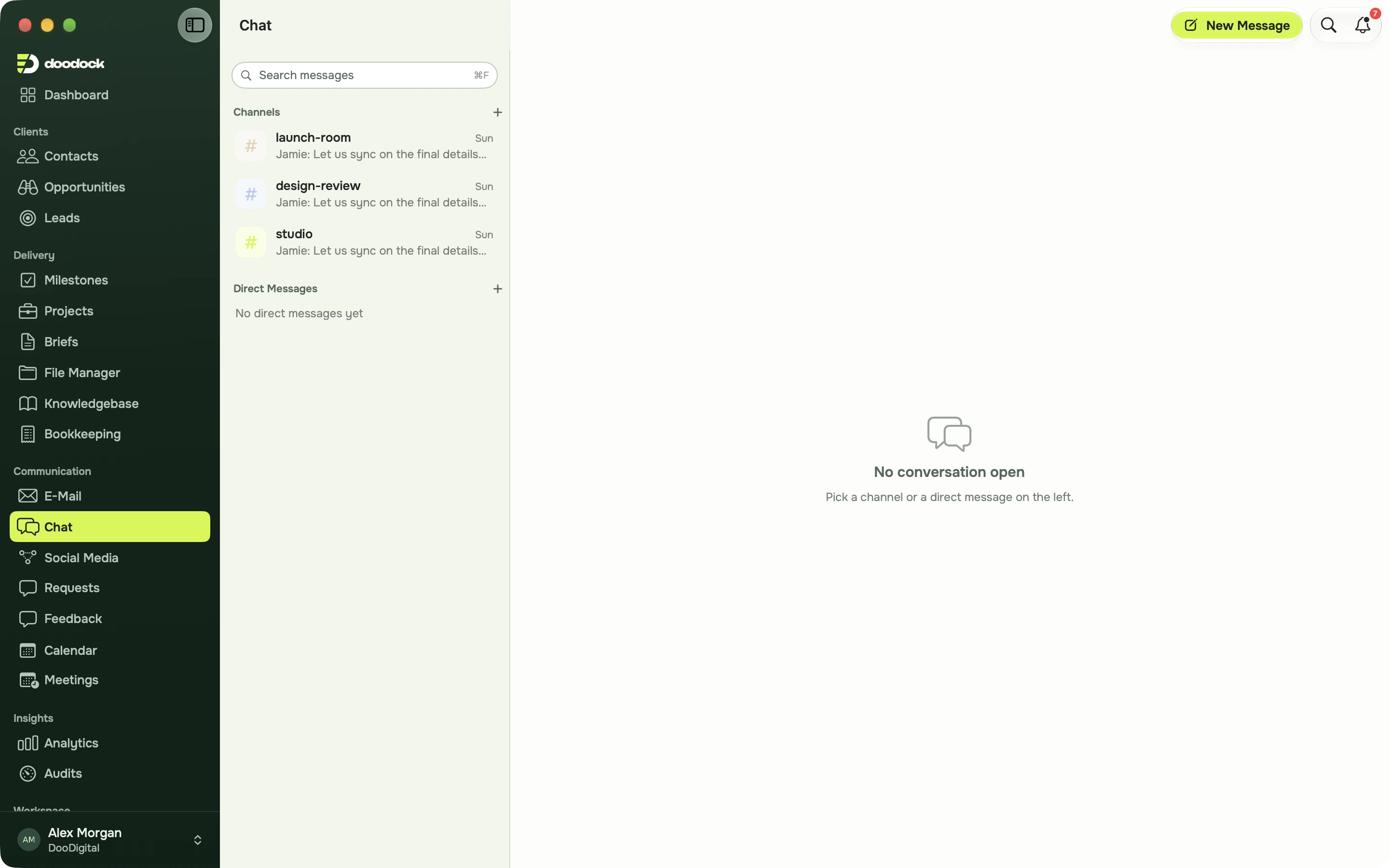
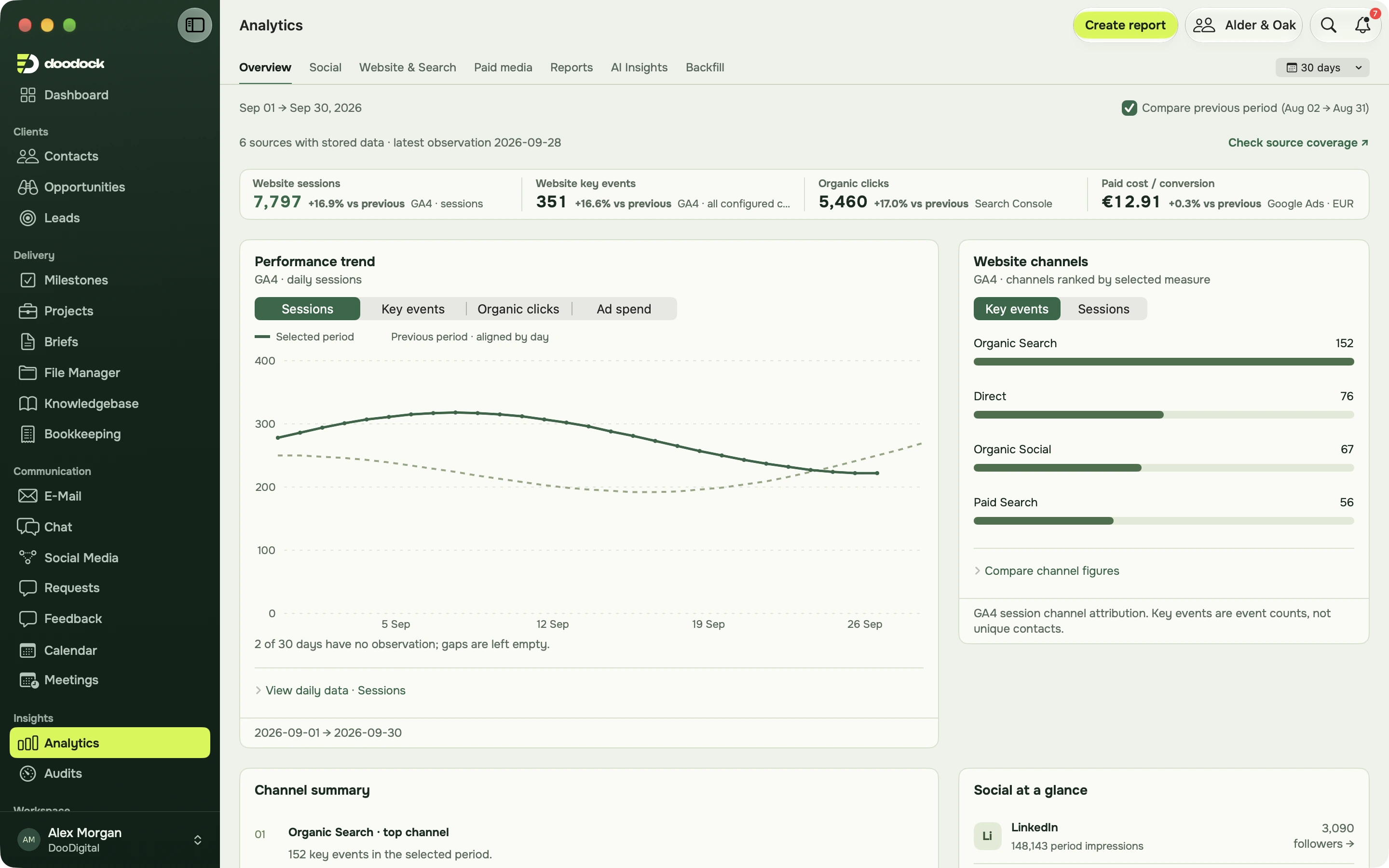
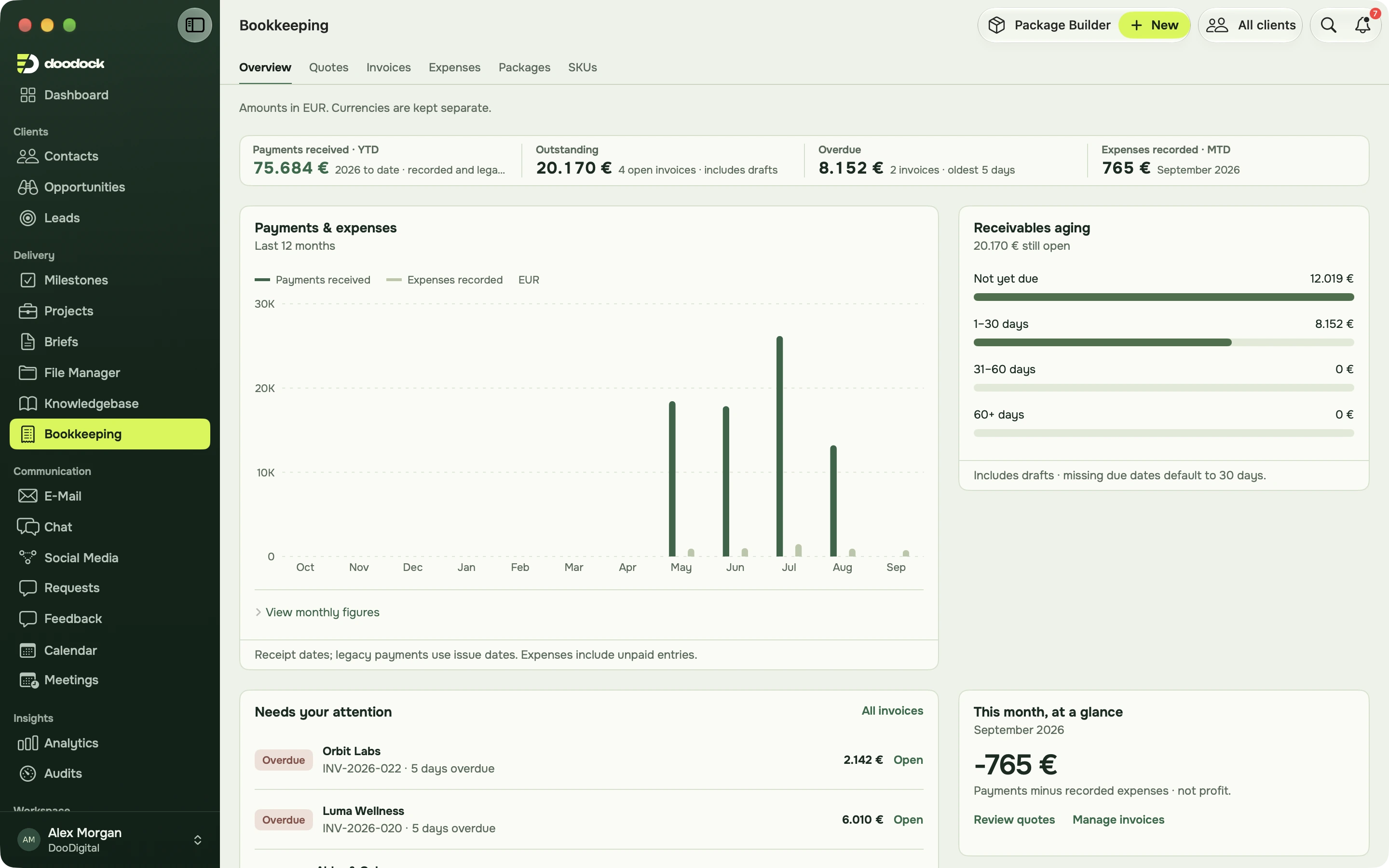
Your whole workspace in one Mac window.
Clients, deals, projects, content, chat, numbers and invoices, with the sidebar you know from the web.
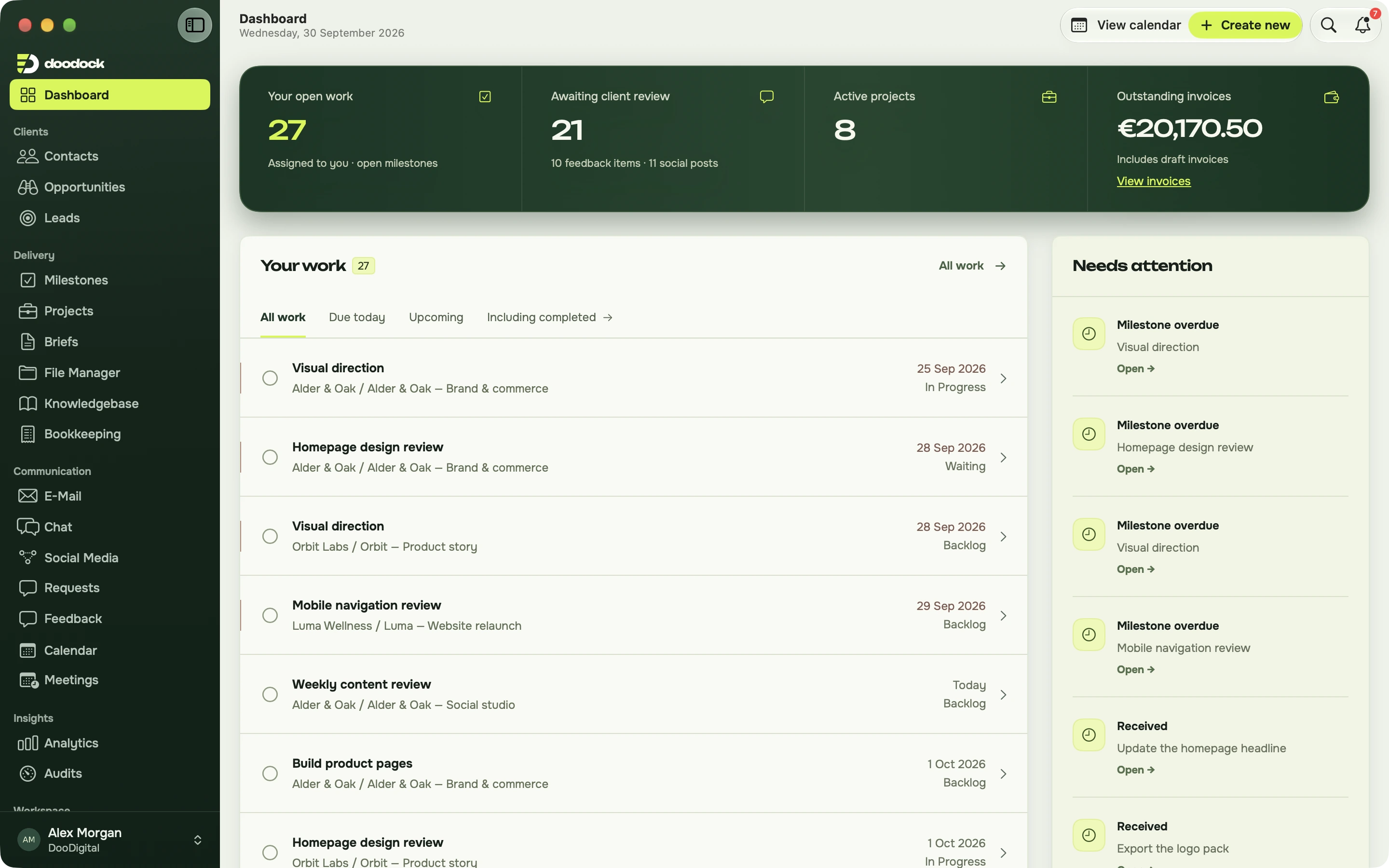
Your day on one screen.
Open work, reviews waiting on clients, active projects and unpaid invoices, with what needs attention beside them.
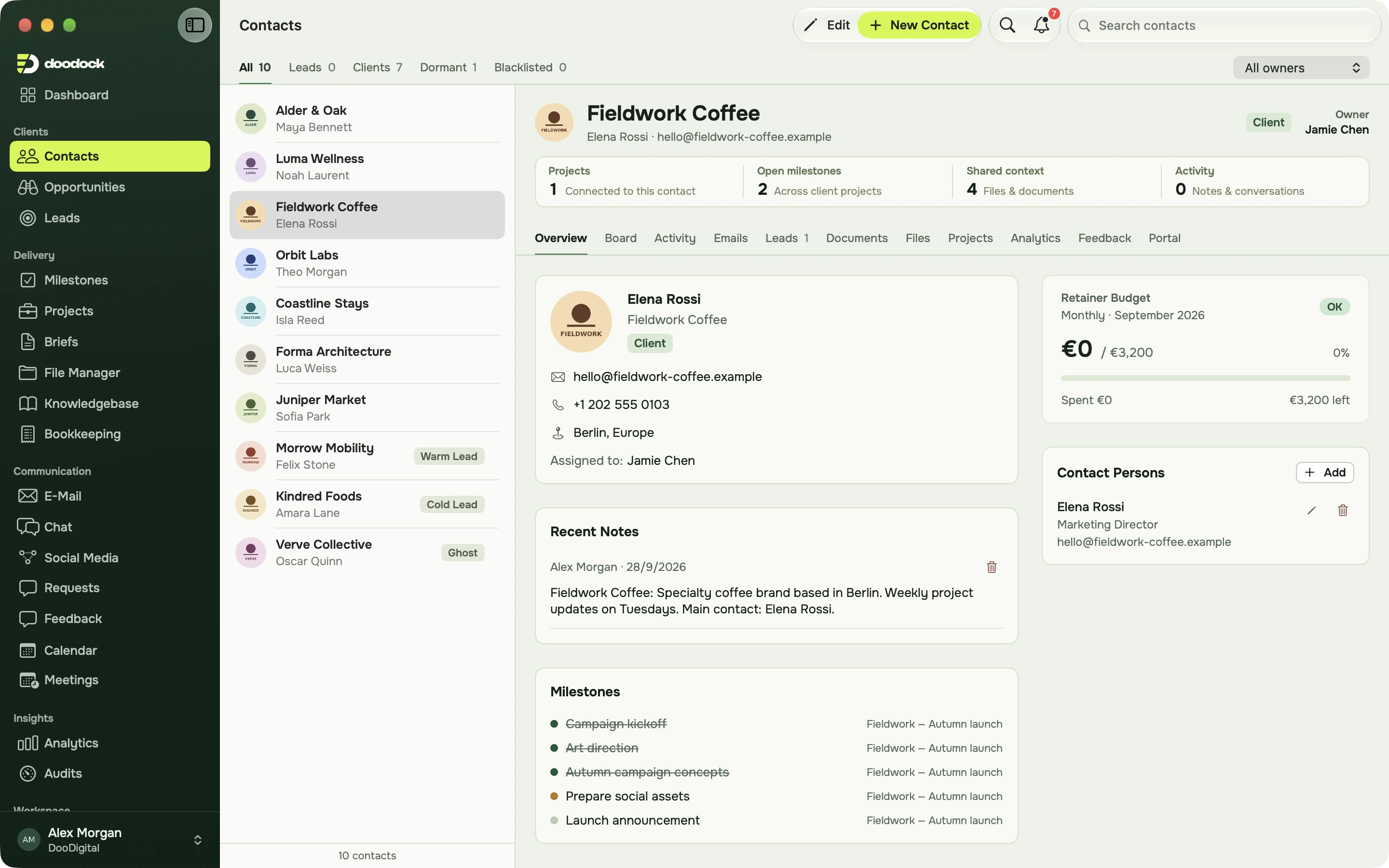
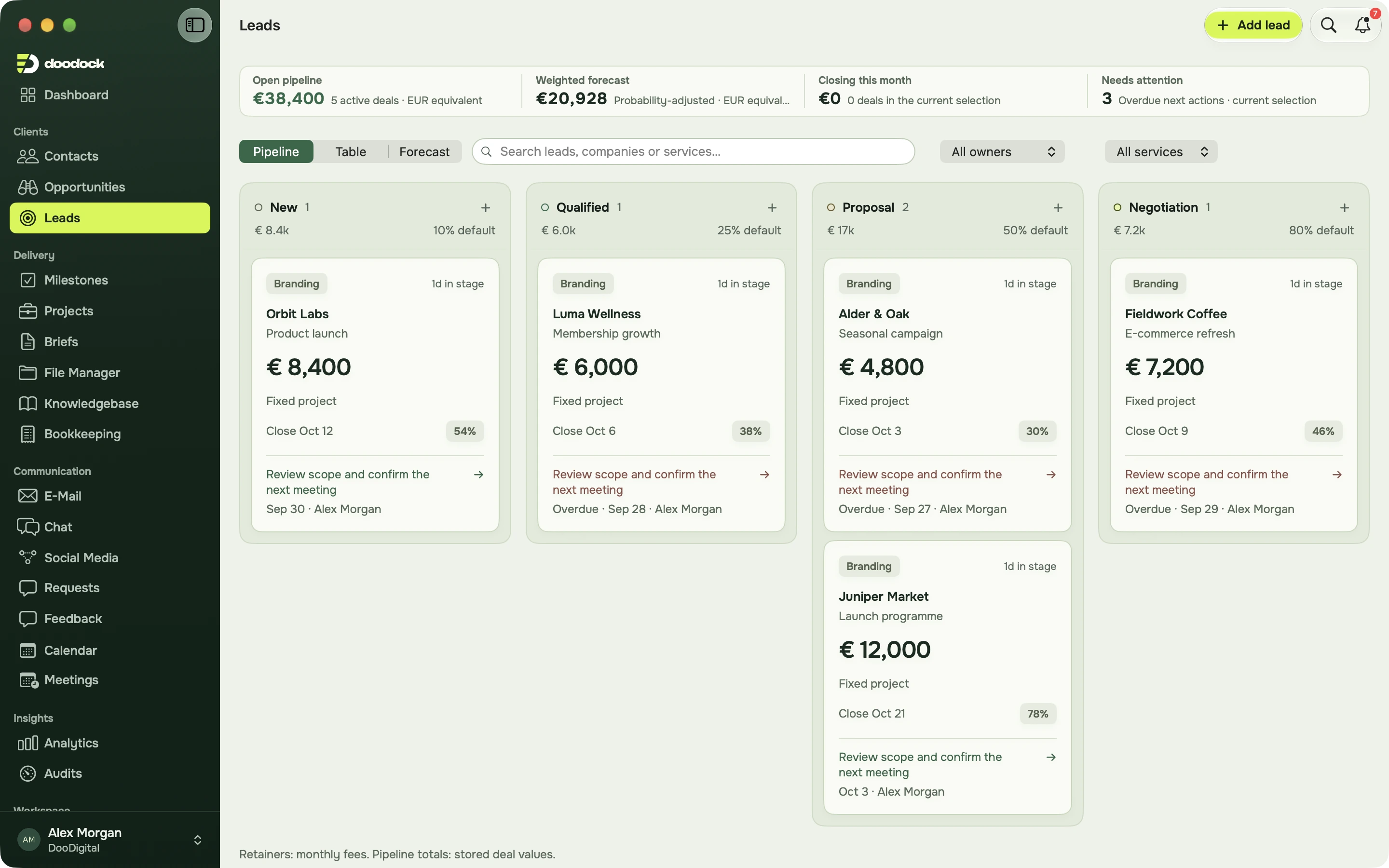
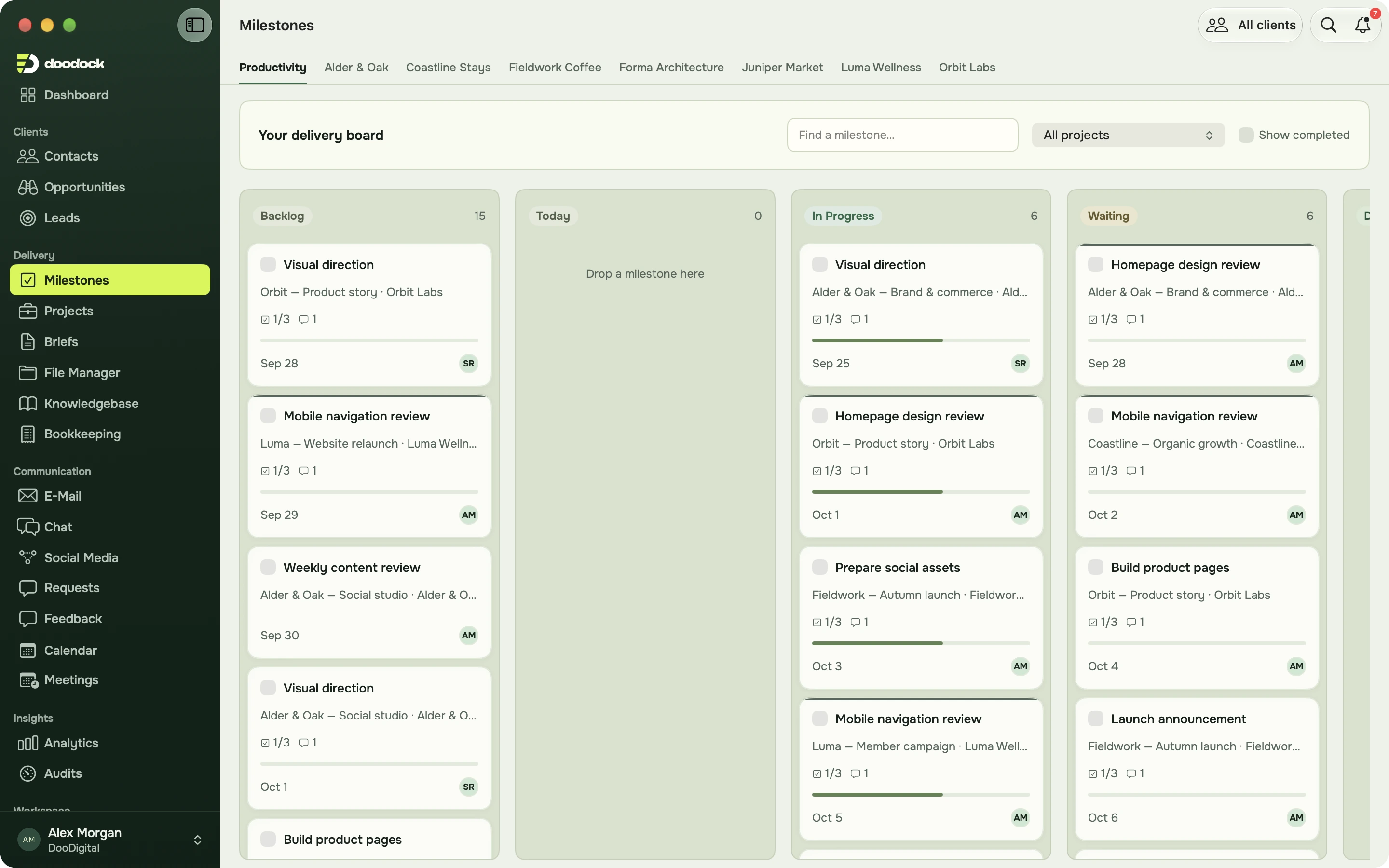
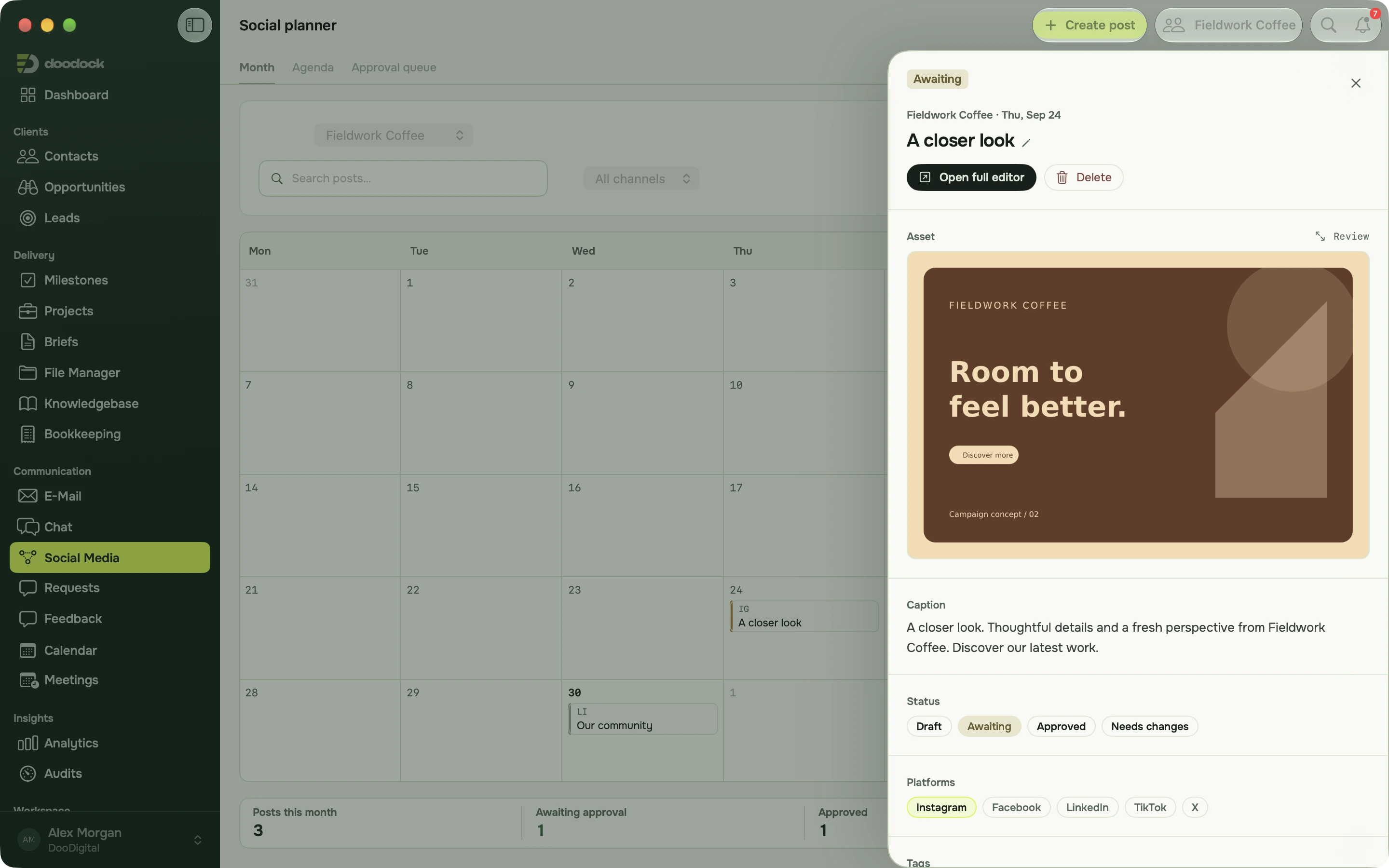
Hands stay on the keys.
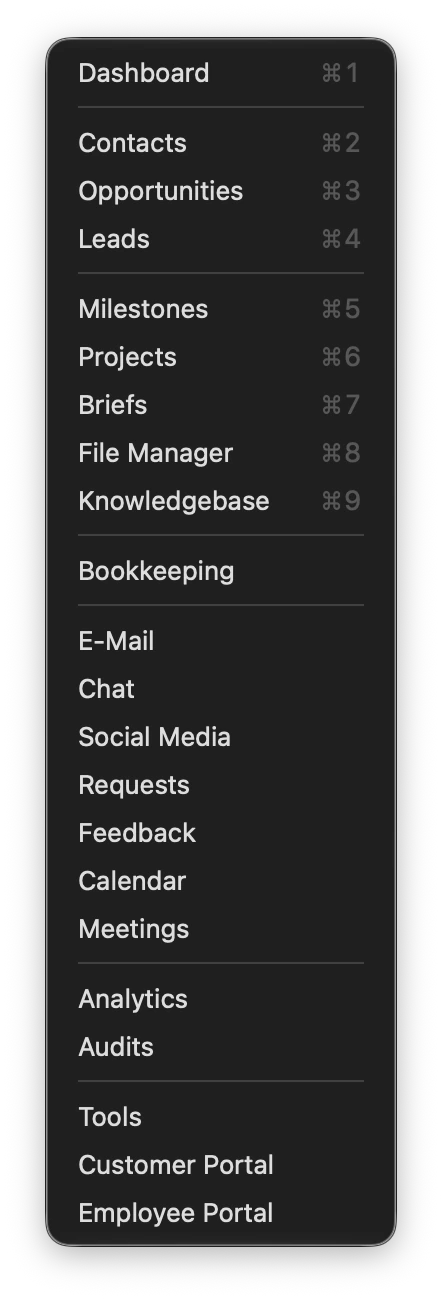
The shortcuts follow what you are looking at, so ⌘N makes a lead in Leads, a quote in Bookkeeping and a contact everywhere else.
- ⌘KSearch everything
- ⌘NNew item for the module you are in
- ⌘1Go to a module, 1 to 9
- ⌘FFind in the current list
- ⌘EEdit the open record
- ⌘[Back
- ⌘↵Save a note or send a message
- ⌘PPrint the open invoice
- ⌃⌘SShow or hide the sidebar
- ⇧⌘OOpen the page in the browser
One account, both apps.
The Mac app and the web app work on the same data. Start a quote on the Mac, finish it in the browser on another machine, and your client sees the result in their portal either way.
- Same login and permissions
- Same clients, projects and files
- Open any page in the browser with ⇧⌘O
Get the Mac app first.
Join the waitlist for DooDock on the web and on your Mac.